

Detecting the output voltage of an AC-DC power adapter using a multimeter Detecting the output voltage of an AC-DC power adapter using a multimeter is a common and effective method.
First, plug the power adapter into an outlet and connect the output end of the adapter to the multimeter. When selecting the DC voltage (DCV) measurement function, choose a higher range to ensure that it can accommodate possible higher voltage values. For example, if the nominal output of the adapter is 12 volts, a 20-volt range can be selected. Connect the black test lead to the COM port (common ground) on the multimeter and the red test lead to the VΩmA port (DC voltage/resistance/milliampere).
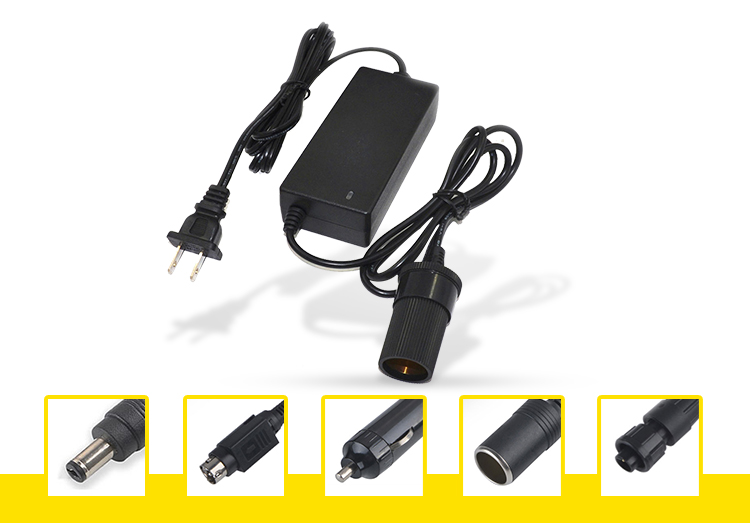
After the plug is correctly connected, wait for a few seconds before disconnecting the connector to ensure stable operation. Use the red test lead to touch the positive terminal on the output terminal of the adapter and use the black test lead to touch the negative terminal. During this process, pay attention to maintaining good contact and stability. Hold the two test leads for a few seconds and record the reading.
If it is in DC mode, a specific number will be displayed; if it is in AC mode, a waveform or average value will be displayed. Compare it with the reading that should be within the nominal voltage range of the adapter model as you know. If the reading is close to the nominal voltage, it indicates that the adapter is working well; if the reading deviates too much, it may indicate that there is a problem with the adapter. In addition, the following method can also be used for detection. Set the multimeter to voltage test mode, select the output voltage range of the adapter, and then connect the red and black test leads to the positive and negative poles of the adapter respectively. Read the displayed voltage value to ensure that it is within the nominal voltage range of the adapter. If it is necessary to test the current, set the multimeter to current test mode and connect it in series to the output circuit of the adapter. Read the displayed current value to ensure that it is within the nominal current range of the adapter. When testing, be sure to ensure that the power adapter is powered off to prevent short circuits and equipment damage. Observe fault phenomena to determine the cause of abnormal output voltage When the output voltage of an AC-DC power adapter is abnormal, some fault phenomena can be observed to preliminarily determine the cause.
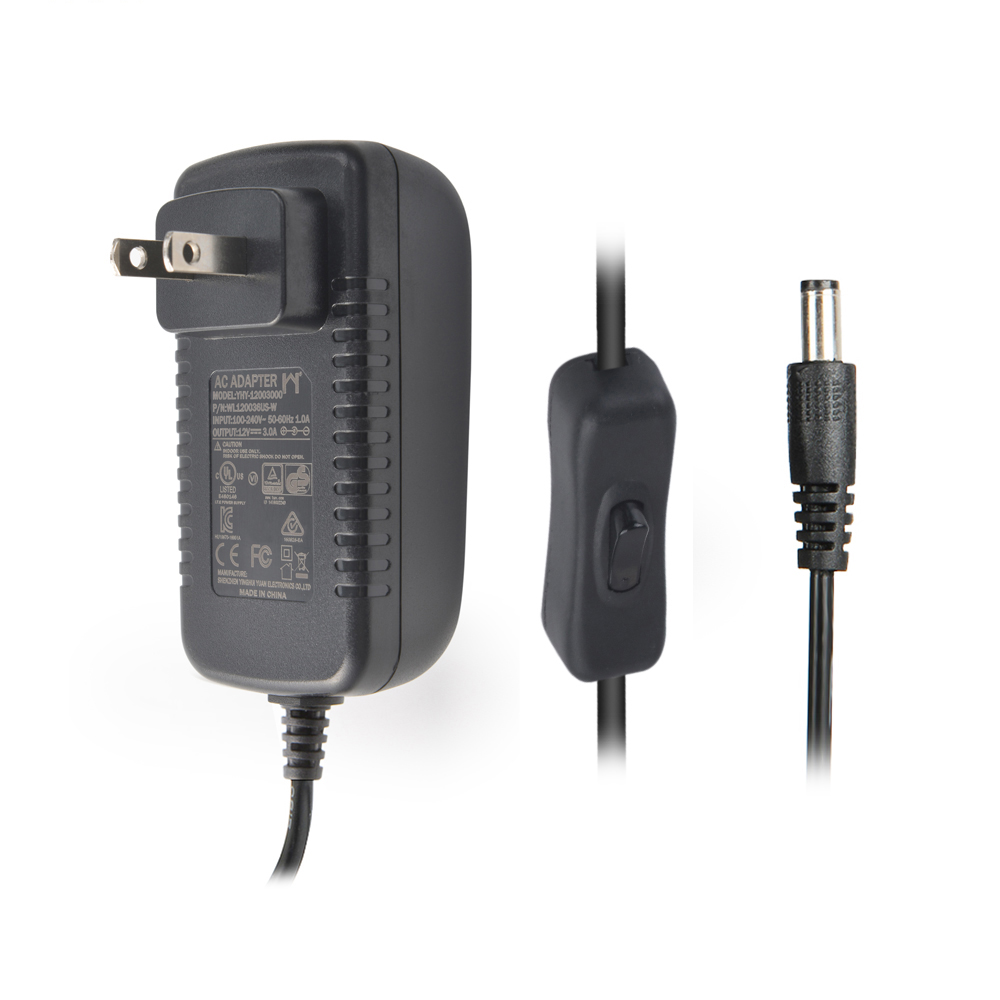
If the power adapter cannot output the required power, it may be due to a failure of the power adapter itself, such as damage to internal components, loose line connections, etc.; it may also be due to the disconnection or damage of the connection between the power adapter plug and the battery; or the input voltage of the power adapter is unstable or exceeds the limit. If the output voltage is unstable, it may be due to damage or aging of the capacitor of the power adapter, or poor contact of the transformer winding of the power adapter. If the output voltage is too high or too low, it may be due to aging or damage of circuit components of the power adapter, or too large a load current of the power adapter, or a failure of the output voltage regulator of the power adapter. If the power adapter overheats, it may be due to poor internal heat dissipation of the power adapter, or a short circuit or heavy load of the power adapter.